Booking System for Camper Rentals: A Guide
Do you run a camper rental or are you just thinking about it? It will quickly become apparent that booking is just the beginning. You still need to set a price depending on the season, take a deposit, block the security deposit, sign a contract, hand over the vehicle, accept it back, and ensure that the same date is not sold twice. This guide shows how all this works in CamperFleet and what a good booking system should know.
What is CamperFleet
CamperFleet is a platform for Polish camper and caravan rental companies. You get:
- your own booking page with your logo, colors, and domain,
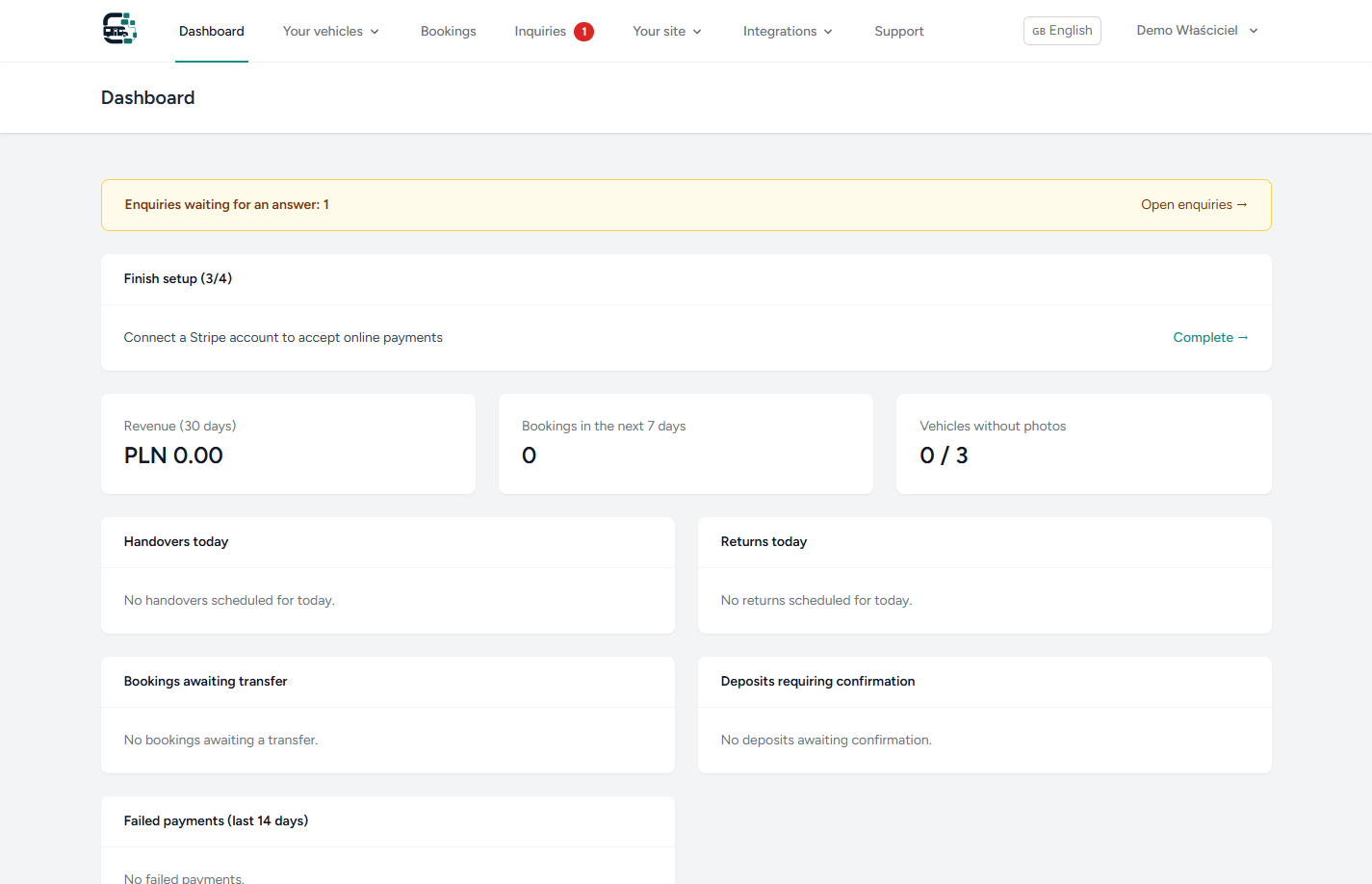
- a panel for managing your fleet, bookings, payments, and documents,
- online payments (deposit and security) going directly to your Stripe account,
- one calendar for all booking sources — your own site, phone, OLX, and platforms from which bookings come in automatically,
- AI assistant in the panel and on your site,
- integration with OLX: an ad built from vehicle data and an assistant that helps respond to inquiries.
Own Rental Website
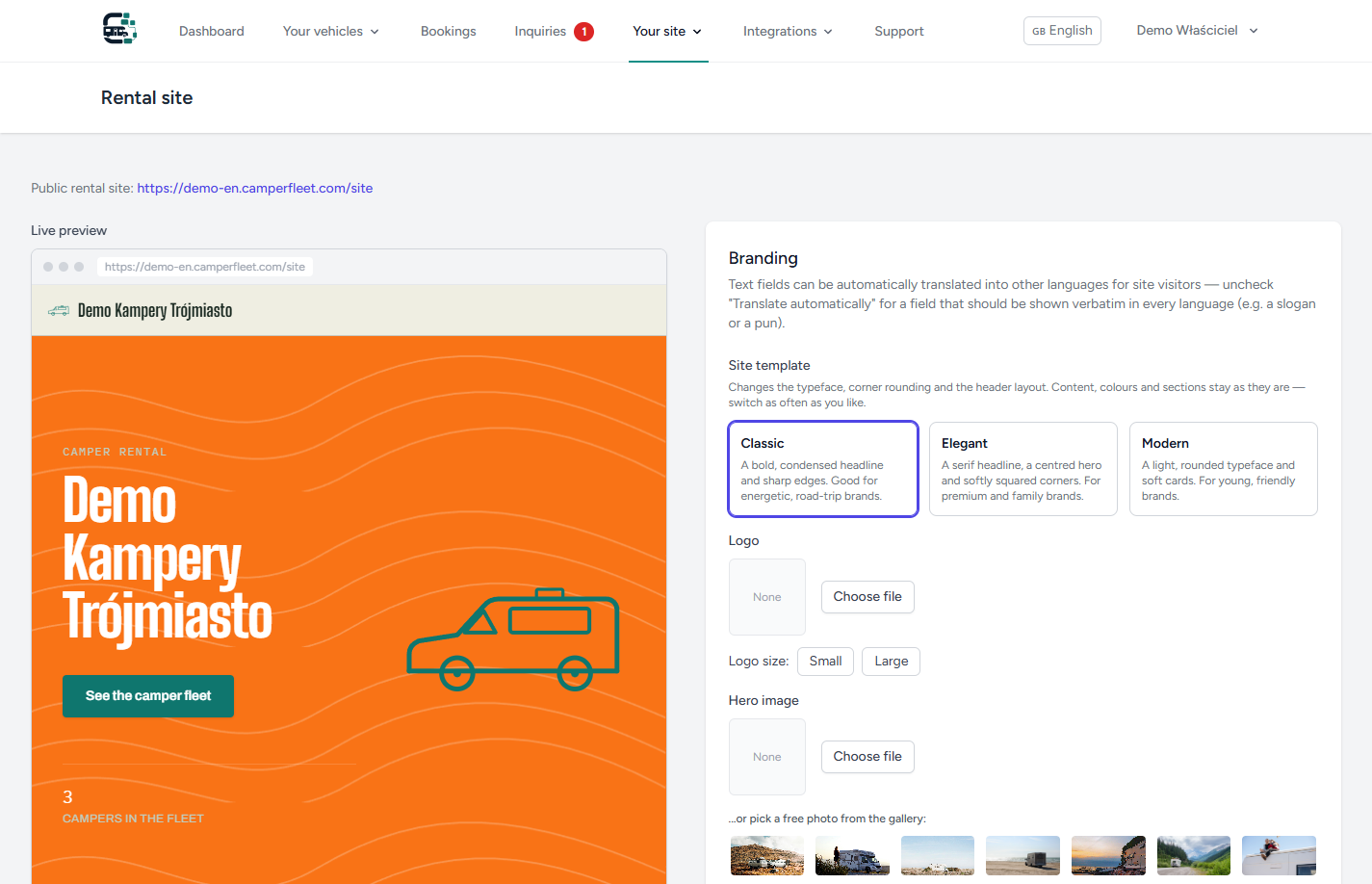
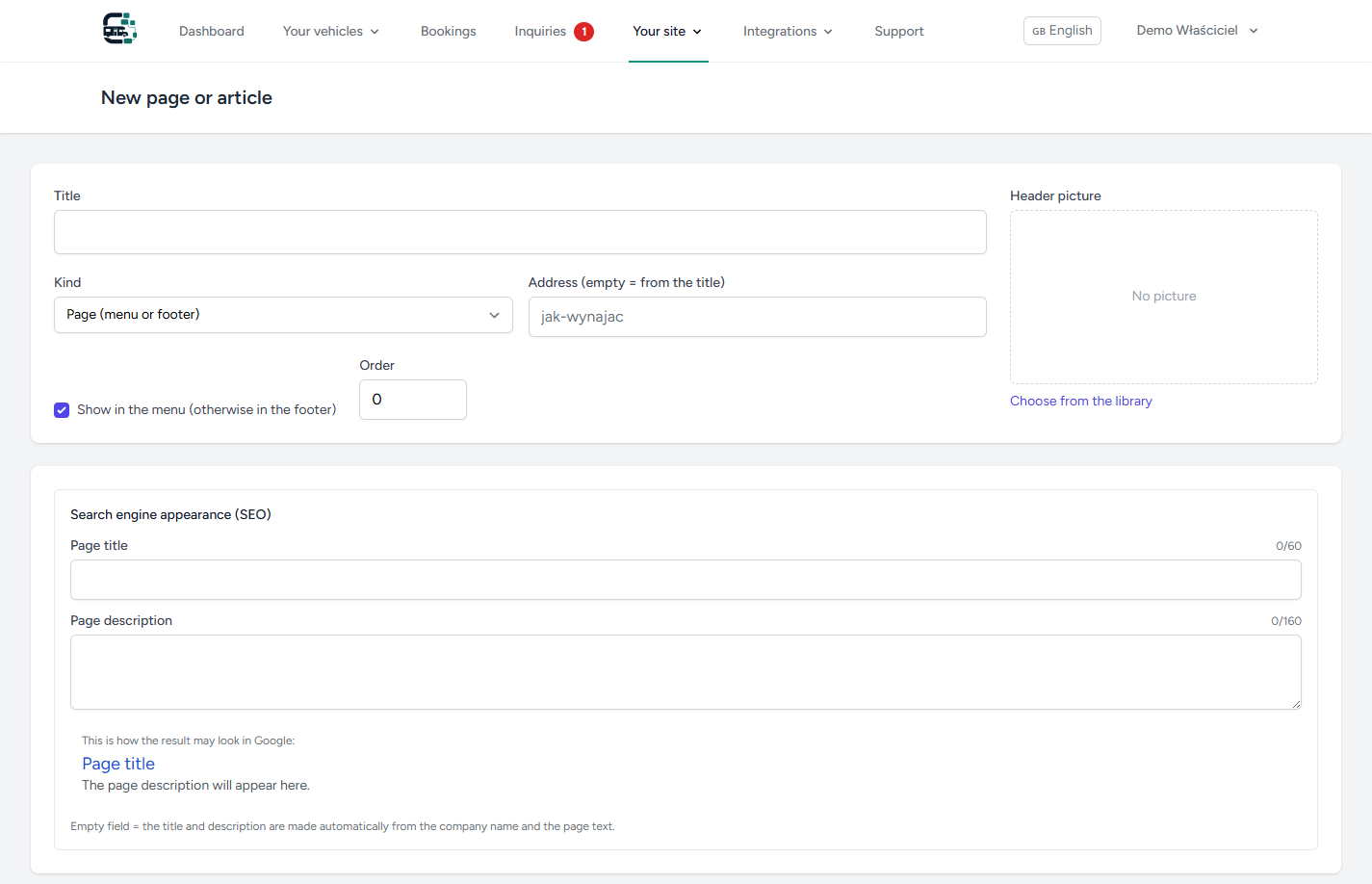
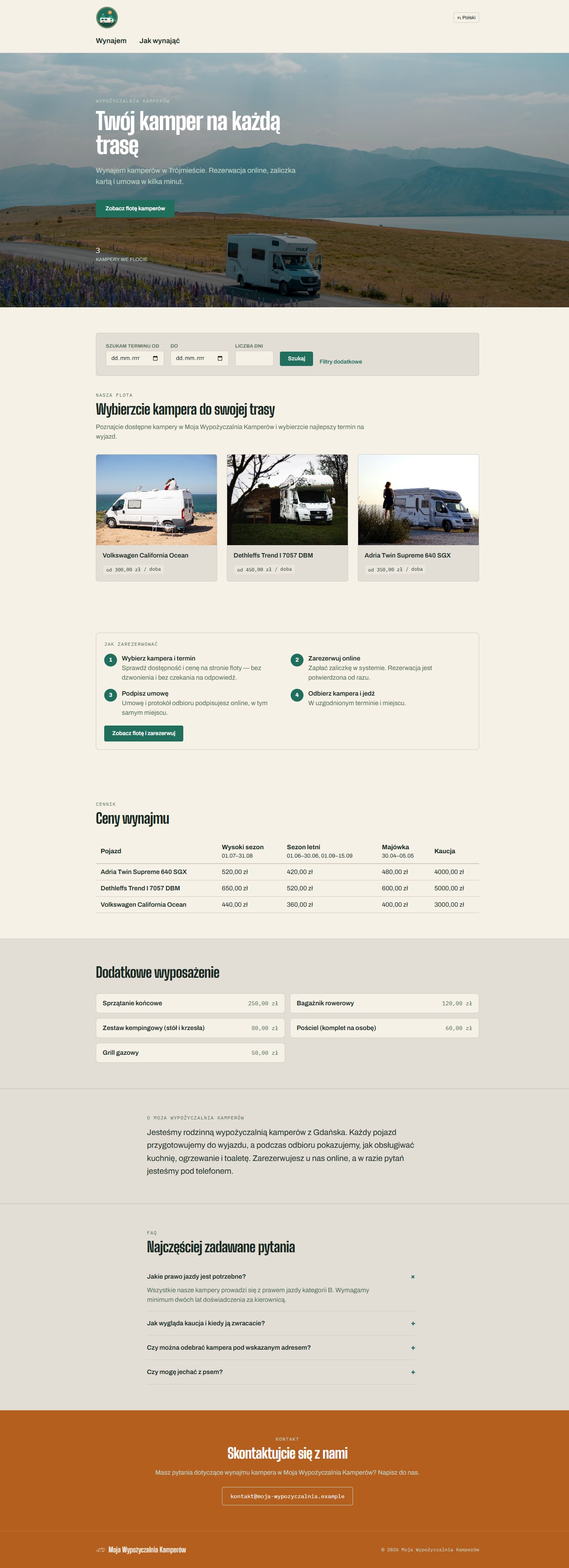
The customer books with you, not on someone else's portal. You create the site using ready-made sections: video at the top, fleet, pricing, steps “how to rent”, extras, reviews, FAQ, and contact. You can add your own subpages, like terms of service or a guide for beginners.
The site works in six languages (Polish, English, German, French, Dutch, Spanish), and vehicle descriptions, FAQ, and reviews are automatically translated into the guest's language. A German visitor enters, reads in German, and makes a reservation.
More: Camper rental website without WordPress.
Fleet, Pricing, and Seasons
For each camper, you add photos (including from your phone in HEIC format), videos, descriptions, and equipment. The pricing is seasonal: you define the seasons for the entire fleet (May holidays, high season, summer vacation) and set the rate for each vehicle. In addition, there are additional options: bike rack, bedding, camping set, final cleaning. You can automatically add part of these to the price.
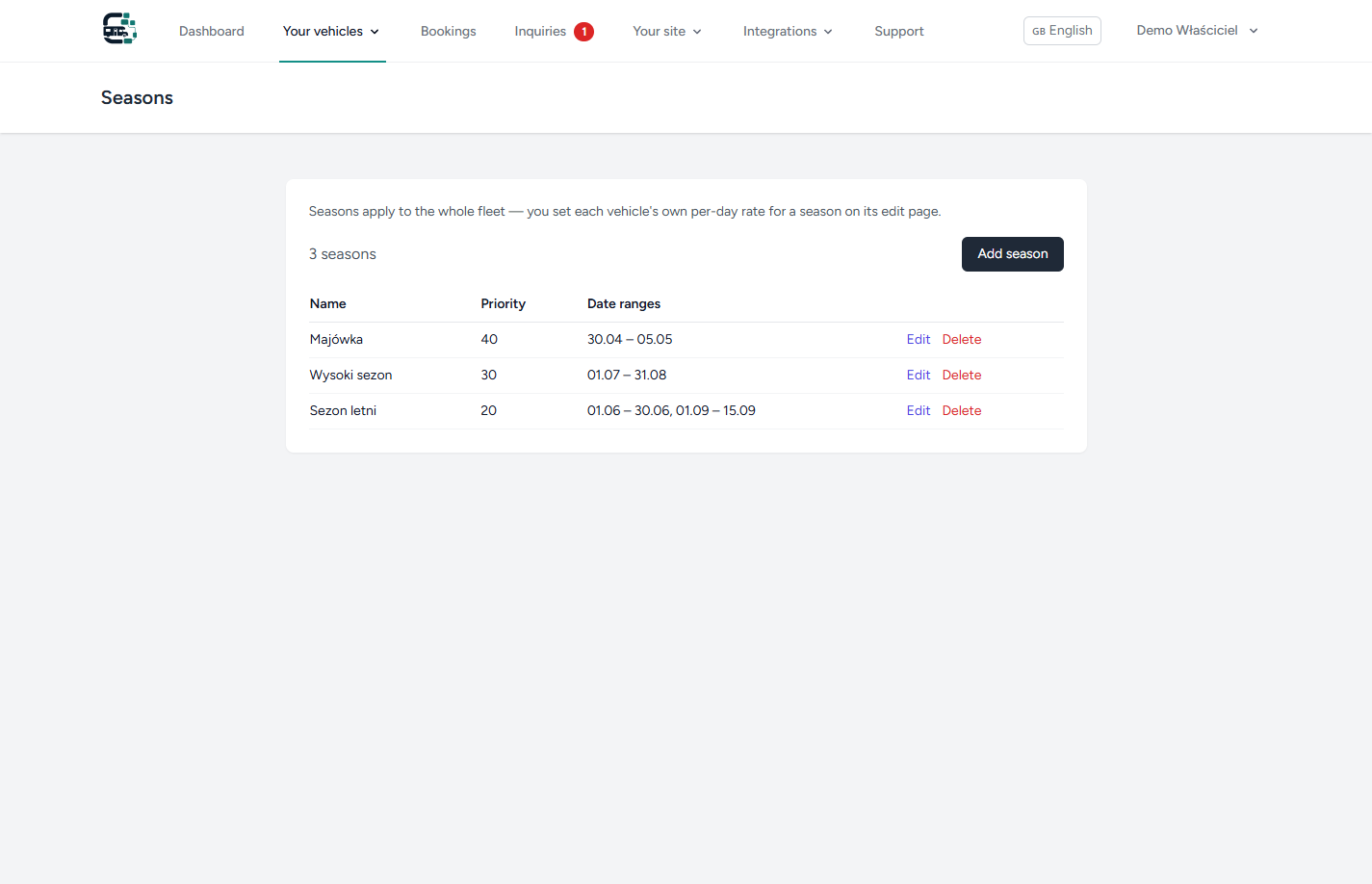
How to set prices: Seasonal camper pricing.
Online Reservations and Calendar
The client selects a date in the availability calendar, sees the price with options, provides their details, and accepts the contract. You see the reservation in the panel. Reservations made by phone or email are added manually in a few clicks. The calendar shows both your own reservations and those from the portals, each channel in a different color.

Details: Online Reservations for Campers.
Deposit, Transfer, and Security Deposit
You set the deposit as a percentage of the price. The client pays by card via Stripe or makes a regular transfer, which you can record in the panel with one click. The security deposit is a hold on funds on the card, not a charge, so the client does not lose money for no reason. For long-term rentals, the system automatically renews the hold, as card holds expire after about a week. After the camper is returned, you either release the security deposit or deduct part of it, e.g., for damage.
Details: Deposit and Security Deposit for a Camper.
Contracts and Protocols
The rental agreement in PDF is generated automatically, and the client accepts it upon booking (we record the name, time, and IP address). Upon delivery and return, the employee fills out the protocol: meter reading, fuel, notes, and pictures of the technical condition. Everything is recorded at the time of booking, and documents with personal data are stored on a private disk.
Online acceptance of the agreement is not a qualified electronic signature. It is a "click and consent" solution with a proof record.

More: Camper rental agreement and delivery protocol.
Portals and OLX in One Calendar
If you list your camper on portals as well, you're at risk of double bookings. In CamperFleet, each portal has your own email address. You create an account on the portal using this address, and reservations from the portal come directly to the panel waiting for your approval — without retyping and without redirects in your email.
Busy dates return to the portals: by default, you receive the task "block these dates on portal X", and the portal that accepts links to the calendar automatically blocks them when you paste the link. If two reservations overlap despite this, the system will detect the conflict and immediately inform you.
Which portals do rental companies use in your country:
- Camplify — bookings by e-mail; you block dates from tasks, and once the calendar link is pasted the portal blocks them itself
- Goboony — bookings by e-mail; you block dates from tasks, and once the calendar link is pasted the portal blocks them itself
- Indie Campers — bookings by e-mail, you block dates from your task list
- PaulCamper — bookings by e-mail; you block dates from tasks, and once the calendar link is pasted the portal blocks them itself
- Yescapa — bookings by e-mail; you block dates from tasks, and once the calendar link is pasted the portal blocks them itself
In the Portals tab, CamperFleet recommends 5 portals tailored to your fleet. If you don’t have time to create accounts, we can configure the portal for you — all that’s left is accepting the terms and clicking “Publish.”
With OLX, you link your own account, and the listing for each vehicle is created from your data. You can edit it as you wish, and messages from customers on OLX land in the “Inquiries” inbox.
Details: How to Avoid Double Bookings.
Communication with Clients
Confirmations, reminders (7, 5, and 2 days before departure), information about the security deposit block, and last-minute campaigns are sent automatically, using templates that you can edit. Campaigns are sent only to clients who have given marketing consent.
AI Assistant in the Panel and on Your Website
In the panel, you have an AI assistant — included in every plan at no extra cost. You ask it human-like: "What do I have tomorrow?", "Is Adria available in July?", "Add a reservation for Mr. Nowak". It checks the data, opens the appropriate screen, and fills out the forms, proposing each change — saving occurs only after your click.
On your website, you can enable customer chat. The assistant responds to questions about availability and price (calculated by the system, not guessed), while the rest is handed over to you. All conversations — from the chat and from OLX — are gathered in one inbox called “Inquiries.”
You can also connect CamperFleet to Claude. Then Claude has access to your data in CamperFleet: for example, it can list your camper on the portal based on the description, photos, and price list from CamperFleet, while you always enter the passwords and account number yourself.
How much does it cost
The price only depends on the number of vehicles, and the features are the same in every plan. The first 3 months are free, no card required. You can find the current pricing on the Pricing page.
Where to Start
- Create an account, and you'll immediately go to adding your first vehicle.
- Paste the link to your listing from OLX or Facebook, and the AI will fill out the form.
- Set the seasons and extras, connect Stripe, and publish the page.