Camper Reservations in Excel: Where the Spreadsheet Fails
At the beginning, a wall calendar or a spreadsheet is enough: one column for the camper, rows with dates. It works. Until the moment when the number of calls exceeds what you can answer, and the camper is listed in several places.
Where the spreadsheet fails
- Does not accept reservations. The client calls, asks about the date, waits for a response. Reservations after hours are lost.
- Does not calculate prices. Seasons, minimum number of days, extras, and delivery fees are formulas where errors easily occur.
- Does not collect payments. The deposit is a transfer that you check manually, and the security deposit is cash that no one wants to carry.
- Does not monitor deadlines. No one warns that two clients have received the same date.
- Does not send reminders. You write the information about the departure date, instructions, and confirmations yourself.
- Has no documents. The contract and protocol are separate files, and the photos of the camper's condition are stored in the phone.
What the booking system does
- The client books by themselves on your website, even at night.
- The price is calculated automatically with seasons and additional fees.
- The deposit and security deposit go through Stripe to your account.
- The calendar keeps track of dates and connects to portals.
- Confirmations and reminders are sent automatically.
- The contract and protocol are included with the booking.
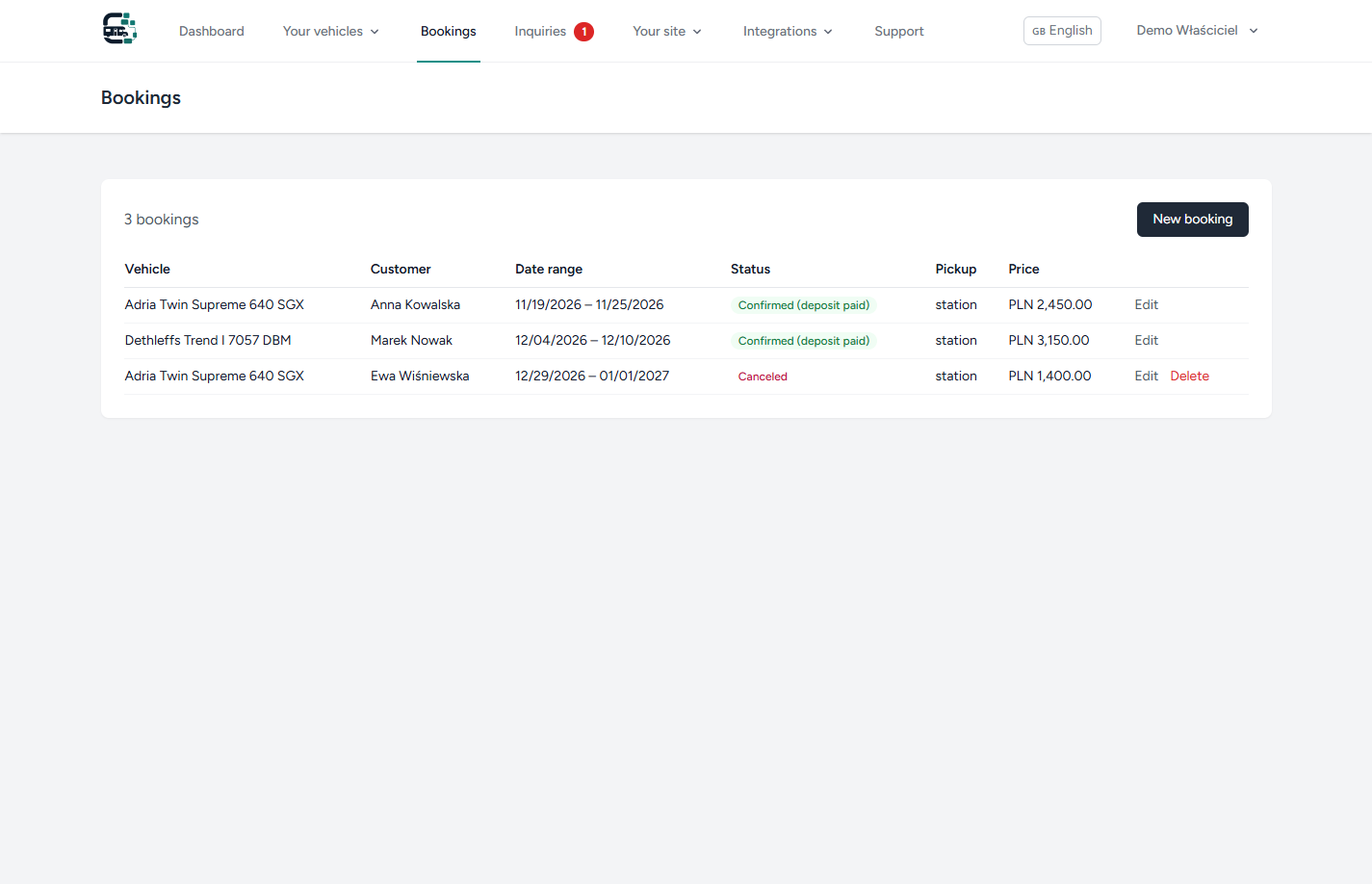
How much does it cost
Excel is free, but you pay in time and lost bookings. CamperFleet costs from 139 zł per month and takes no commission, and the first 3 months are free with no card required, see Pricing. If one booking comes in for you monthly due to online reservations after hours, the subscription pays for itself with a margin.
How to transition from a spreadsheet
- Add vehicles (paste the announcement link, and AI will fill in the data).
- Set seasons and add-ons.
- Enter existing reservations or block occupied dates in the calendar.
- Publish the page and link it in the announcements.